Examples
Interactive examples demonstrating common usage patterns. Each demo runs live — try hovering over images and creating annotations.
Basic Annotations
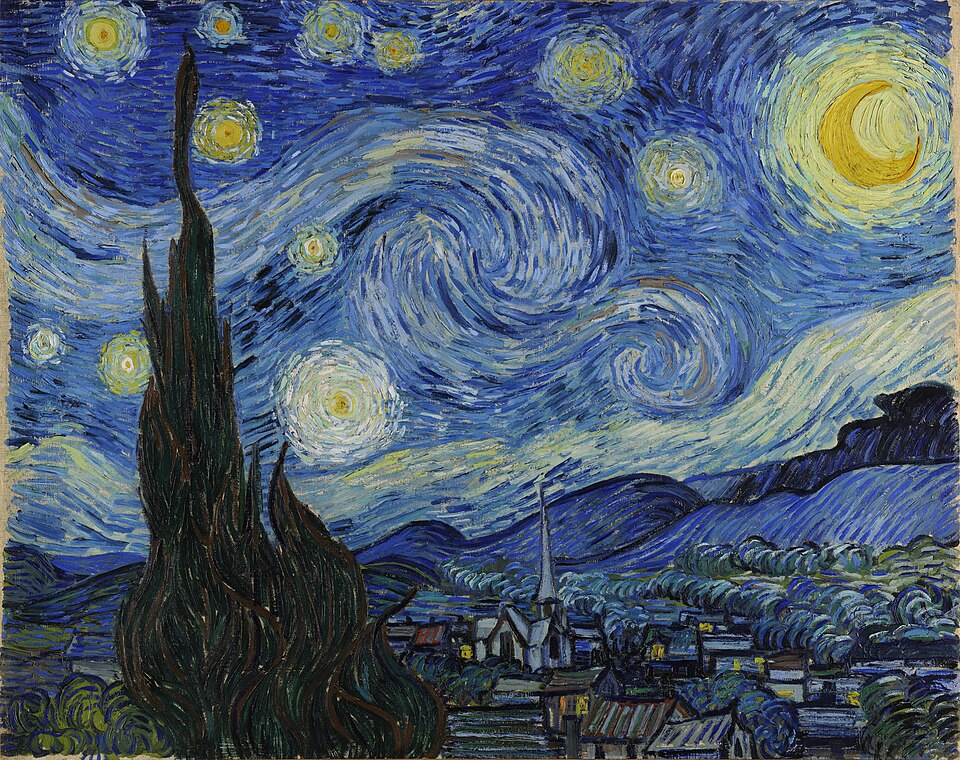
The simplest usage — initialize with static annotation data. Hover over the image to see notes, click editable ones to modify.
JavaScript
var img = document.getElementById('my-image');

AnnotateImage.annotate(img, {
  editable: true,
  notes: [
    { top: 28, left: 117, width: 164, height: 553,
text: "Cypress tree", id: "note-1", editable: true },
    { top: 109, left: 338, width: 274, height: 266,
text: "Swirl in the sky", id: "note-2", editable: false },
    { top: 528, left: 349, width: 589, height: 207,
text: "Village below", id: "note-3", editable: true },
    { top: 47, left: 779, width: 167, height: 171,
text: "Crescent Moon", id: "note-4", editable: false }
  ]
});
Multiple Instances
Multiple annotated images on one page, each with independent configuration. Instances don't interfere with each other.
Editable with Notes
Read-Only
Empty (Add from Scratch)
JavaScript
// Editable with notes
AnnotateImage.annotate(document.getElementById('multi-editable'), {
  editable: true,
  notes: [
    { top: 28, left: 117, width: 164, height: 553,
text: "Cypress tree", id: "me-1", editable: true },
    { top: 109, left: 338, width: 274, height: 266,
text: "Swirl in the sky", id: "me-2", editable: false }
  ]
});

// Read-only
AnnotateImage.annotate(document.getElementById('multi-readonly'), {
  editable: false,
  notes: [
    { top: 422.4, left: 369.6, width: 120, height: 55.2,
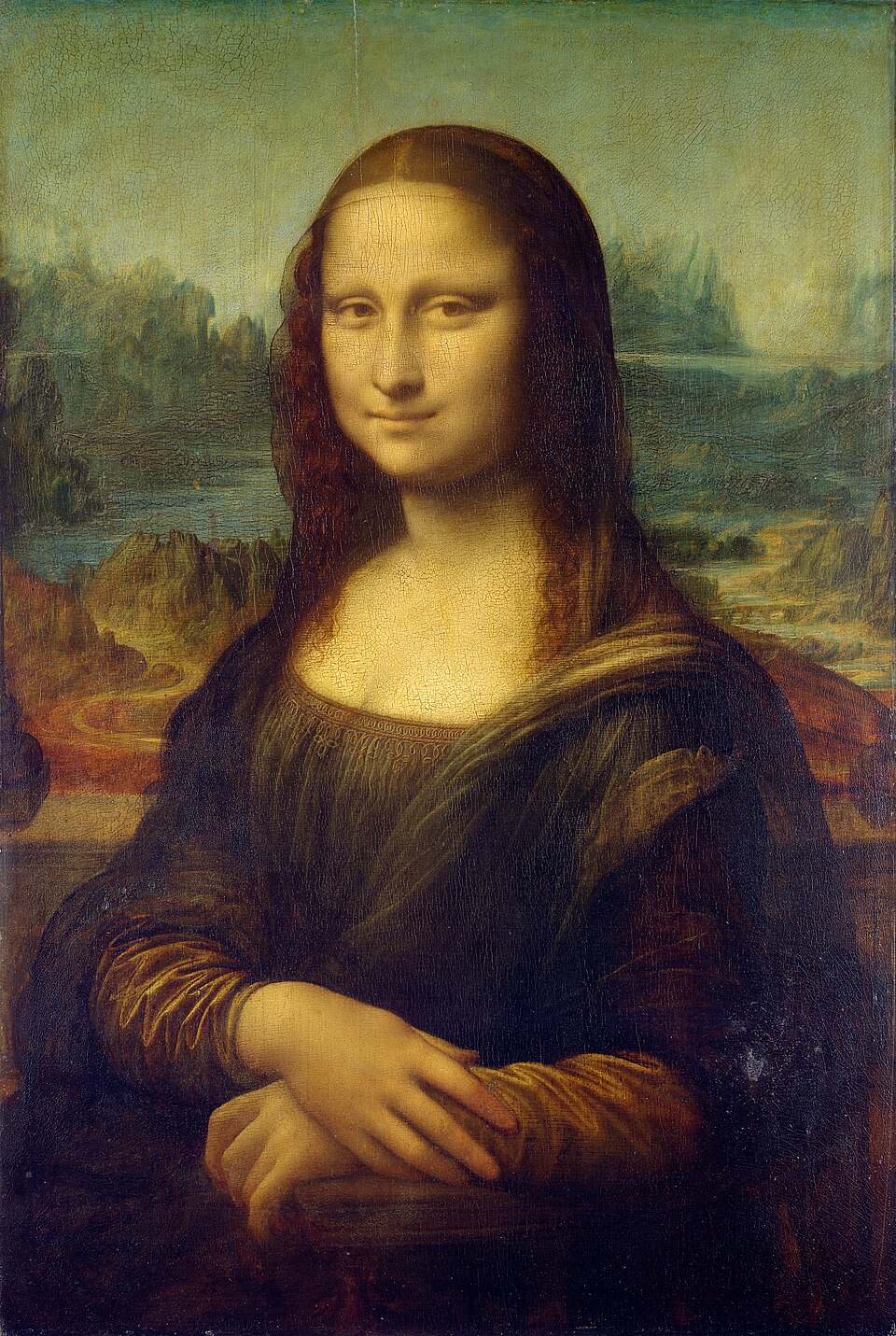
text: "Her enigmatic smile", id: "mr-1", editable: false },
    { top: 1046.4, left: 168, width: 439.2, height: 249.6,
text: "Folded hands", id: "mr-2", editable: false }
  ]
});

// Empty — add from scratch
AnnotateImage.annotate(document.getElementById('multi-empty'), {
  editable: true,
  notes: []
});
Programmatic API
Control the annotation layer programmatically using instance methods. Click the buttons below to interact with the plugin.
Status
Notes JSON
JavaScript
var instance = AnnotateImage.annotate(img, {
  editable: true,
  notes: initialNotes,
  onError: function(ctx) { console.error(ctx.type, ctx.error); }
});

// Enter add-note mode
instance.add();

// Remove all annotations
instance.clear();

// Export current state
var notes = instance.getNotes();

// Tear down completely
instance.destroy();

// Re-initialize after destroy
instance = AnnotateImage.annotate(img, { editable: true, notes: initialNotes });